Developer Networks
Build with GraphicStream technologies
GraphicStream library of technical articles, tutorials, and learning resources
GraphicStream is a software publisher and the publisher of Immersive. The Developer Network supports teams building with its products and technologies.
Get started
Essential resources
A curated selection for understanding the GraphicStream ecosystem and starting to build around Immersive.

Presentation of the Beholder interface
Quickly get your bearings in the Beholder by discovering how the screen is organized between 3D view, equipment list, alarms and menus. This chapter shows where to act, what to look for, and how to select equipment from both the digital twin and the side panels. You will immediately understand the meaning of the color codes and visual indicators to spot a defect, a disconnection or equipment under construction without wasting time. It also explains the role of 3D widgets, graphical objects, and annotations to read the field context more accurately. By the end, you'll be able to navigate the application smoothly and interpret the overall status of a fleet of equipment at a glance.
Read the resource
Hub: Overview
Understand in a few minutes how the Immersive Hub orchestrates data access between your applications and heterogeneous sources such as OPC UA, Excel, MQTT or SQL. This presentation shows concretely how the same mechanism unifies requests, updates and quality statuses, without exposing the complexity of the protocols. You will see the precise role of handles, sessions and connectors, and how the Hub distributes the right values to the right consumers at the right time. By reading, you will be able to model access to data, follow the life cycle of a session and understand how to connect or design a connector adapted to your needs. You will also be able to interpret error states, timeouts and fault reports to make monitoring and maintenance more reliable.
Read the resource
Binding: Introduction
Cette introduction vous montre comment relier proprement un objet de la scène 3D à un équipement métier Immersive, pour que données, états, alarmes et interactions pointent toujours vers la bonne cible. Vous comprendrez la logique du modèle objet, des familles, des instances, des handles et des scopes, sans rester au niveau théorique. La formation s’appuie sur un cas concret, BuildingSensorSimulator, pour apprendre à identifier les équipements à créer et à structurer un contrat de données fiable. À la lecture, vous saurez préparer un binding stable entre vue 3D et DOM, éviter les mappings fragiles et concevoir une base exploitable pour le scripting, l’UI et la supervision. C’est le point de départ indispensable pour bâtir un jumeau numérique cohérent, évolutif et fidèle au terrain.
Read the resourceExplore
Browse GSDN domains
Each shelving groups documents, guides and references for a single functional or technical domain.

Forge
Forge is the **integrated creation** environment of the Immersive platform. Designed for developers, integrators, merchants and trainers, Forge allows you to create, customize and deploy experiences for Immersive adapted to a multitude of use cases.
16 documentsBinding
Binding concepts and guides.
1 documentArticles
Technical articles and transversal topics.
1 documentCommons
Common setup and shared fundamentals.
0 documentsConnaissances de base
Explore the guides, references and examples for this domain.
2 documentsHub
The Immersive Hub is the heart of the Immersive solution's data infrastructure. It is the universal intermediary between: * Data sources: IoT sensors, PLCs (OPC UA, Modbus, MQTT, etc.), Excel files, SQL databases, REST APIs, etc. * Consumers: Beholder 3D applications, supervisors, web synoptics, or any other business service. The Hub acts as an **conductor**: It centralizes heterogeneous data from multiple protocols, synchronizes useful values with client applications in real time, and ensures consistency and reliability of information for monitoring and maintenance.
5 documents
Rest Frontage
y
21 documents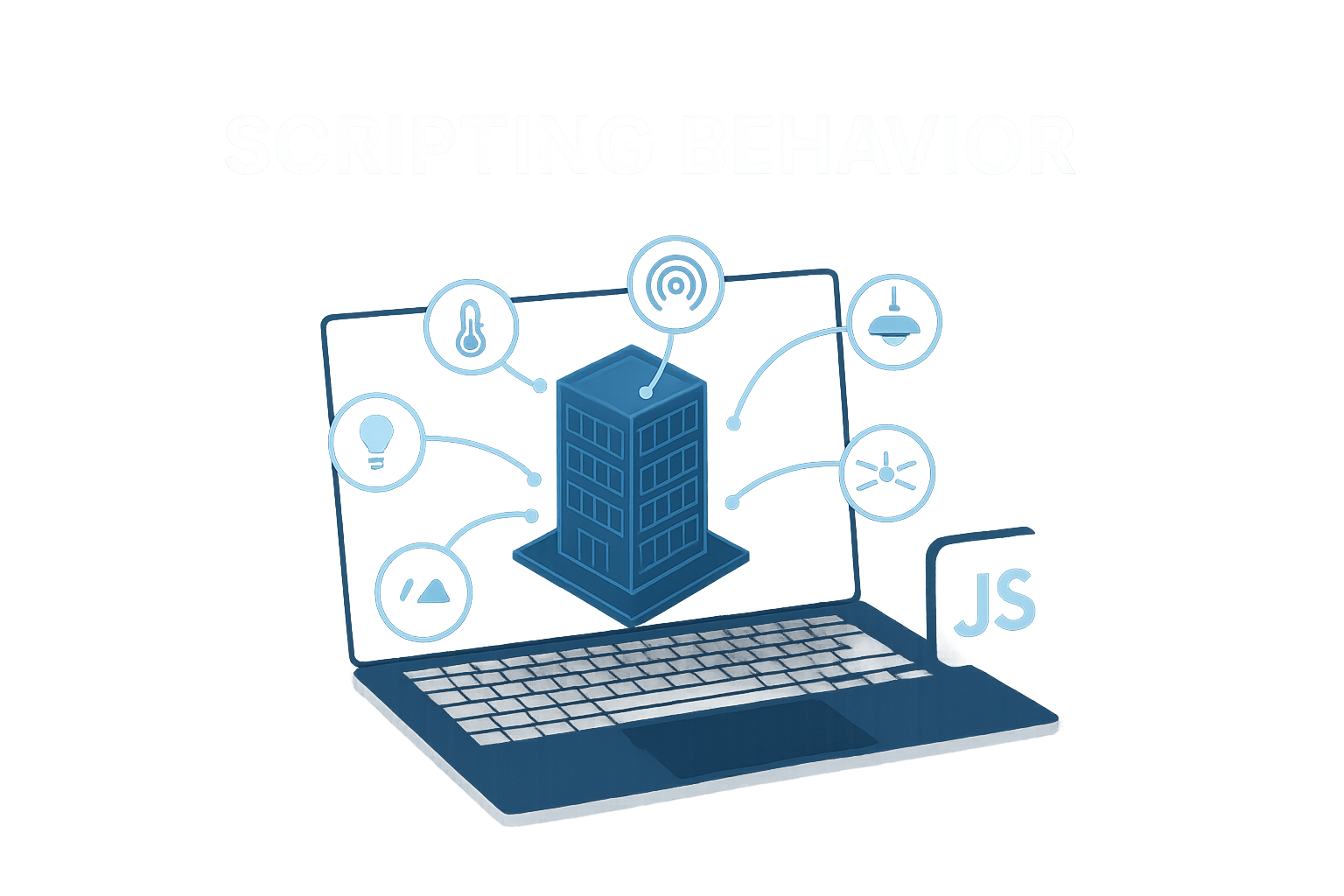
Scripting
Learn how to bring your plan to life by reacting to the data received and offering an interface tailored to the needs of your users.
16 documentsDiscover
Continue exploring
Resources selected at random from the library to reveal more possibilities offered by Immersive and GraphicStream technologies.

Binder equipment
Learn how to link a piece of equipment to a map element to turn a Forge view into a truly usable interface. This content shows, step by step, how to activate supervision editing, choose the right scope, and associate equipment with an area, structure, model, or waypoint. You'll also see how to add a visual marker to immediately locate the equipment on the map. By the end, you'll know how to bind an instance of equipment neatly, organize its display, and prepare clearer, more interactive, and more useful monitoring in operation.
Discover
Multi-factor authentication
This training shows you how to strengthen access security without degrading the user experience thanks to multi-factor authentication. You will understand when to activate it, which factors to choose and how to integrate it into an existing architecture with the right prerequisites. The document details the steps of preparation, configuration and implementation of a first simple case, with the points of vigilance to anticipate. At the end, you will be able to identify the relevant uses, validate the proper functioning of the solution and adapt the system to concrete business needs.
Discover
Enable an object type for security
This guide shows exactly what the toggle of an object type changes in RestFrontage security, and more importantly, what it doesn't. You'll see how to enable or disable a type like 'Map', 'Equipment' or 'Workspace', and then where to follow up to set useful permissions and automatic rights. The document helps avoid common confusion: an active type doesn't grant any access on its own, and an inactive type doesn't remove existing rights or controls that are already plugged in. By going through it, you'll be able to read the actual state of a type, understand the impact of a change on the in-memory configuration, and react correctly if a toggle is stuck, ignored, or reverts to its previous state.
Discover
The Forge interface
Prenez rapidement vos repères dans Forge en découvrant comment l’interface organise chaque étape du travail, de la modélisation à la supervision. Ce contenu détaille les cinq grandes zones de l’écran et le rôle concret de chacune pour éditer, naviguer, valider et sauvegarder efficacement une carte. Vous verrez où agir selon le contexte, quels panneaux pilotent les outils, et comment exploiter les paramètres affichés à droite, en bas et au centre. À la fin, vous saurez circuler sans hésiter dans l’environnement, choisir le bon mode d’édition et ajuster l’affichage pour gagner en confort et en performance.
DiscoverHelp with defining handles, specification by family
Discover this GraphicStream Developer Network resource.
Discover